Copy and paste gRPC as grpcurl
This release brings the copy and paste workflow you already have for HTTP to gRPC, so requests move in and out as plain grpcurl commands.
Copy any gRPC request as grpcurl
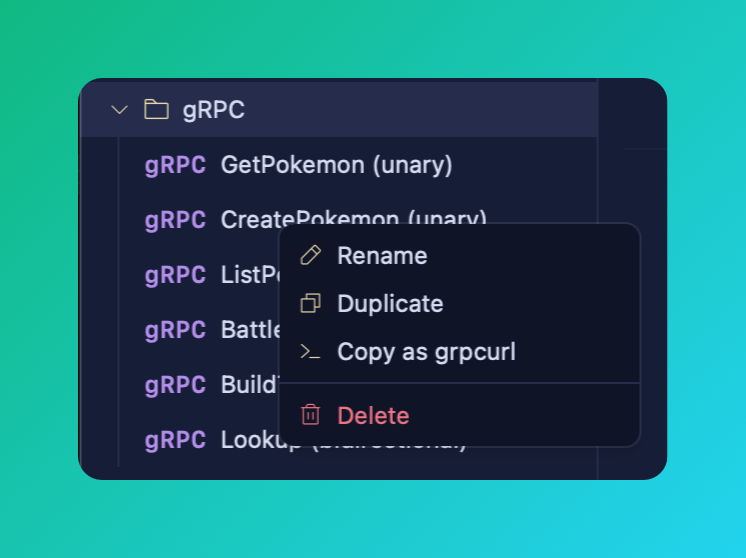
Request actions now work on gRPC, and the first one is Copy as grpcurl. Right-click a gRPC request, choose "Copy as ...", and Voleeo hands you a ready-to-run grpcurl command with the service, method, and message filled in. It sits right alongside the existing Copy as cURL, fetch, and HTTPie actions.
Build a gRPC request from a grpcurl command
Going the other way, paste a grpcurl command and Voleeo turns it into a full gRPC request, the same way pasting a cURL command builds an HTTP request. No retyping the service, method, or payload by hand.
Two new themes
Two new themes ship in this release: Slava Ukraini! and Heroiam slava!. Pick them from the theme grid in Settings.
Fixes
- The window comes to the front on launch, so it is focused after an update relaunches it.
- A long URL stays visible after you drag-select past its end.
- Tree context menus stay inside the window instead of spilling off-screen.
- Variable rows draw their full flash ring.
- The background shader pauses while the window is not focused, saving power.
Try it yourself
Voleeo is free during early access, on macOS, Windows, and Linux.